3D scanning · Reverse engineering · Scan-to-CAD
No drawings?No problem.
Send a part. Get back a 3D file you can print, machine, or change.
Deliverables_0013 tiers
You’re buying the file.
Every job ends with a 3D file. The tiers differ in how much work goes into it, and what you can do with it afterward.
01STL · OBJ
Scan
A cleaned-up mesh of the part, with holes filled and noise removed.
- Good for
- Reference geometry, visualization, and designing new parts that fit around it.
- Not for
- Editing dimensions or sending to a machine shop. A mesh can’t be easily resized or changed.
02STEP · STL
Model
The part rebuilt as an editable solid CAD model, using the scan as the guide.
- Good for
- Reprinting, changing the design, or handing to any CAD program or vendor.
- Not for
- Nothing that needs a file. This is the tier most jobs need.
03STEP · STL · 3MF
Make-ready
The CAD model adjusted for how it will be made: printed, machined, or molded.
- Good for
- Going straight to production, or changing the part (wider, mirrored, new mounts).
- Not for
- Quick visual copies. It’s more work than a simple part needs.
Process_0024 steps
How it works.
01
Tell me about the part
Email a few photos, rough dimensions, and what you need the file for. You get back a fixed quote and a time frame.
02
Send the part
Worn, broken, or in pieces is fine. No drawings needed. The part comes back to you when the job is done.
03
Scan and rebuild
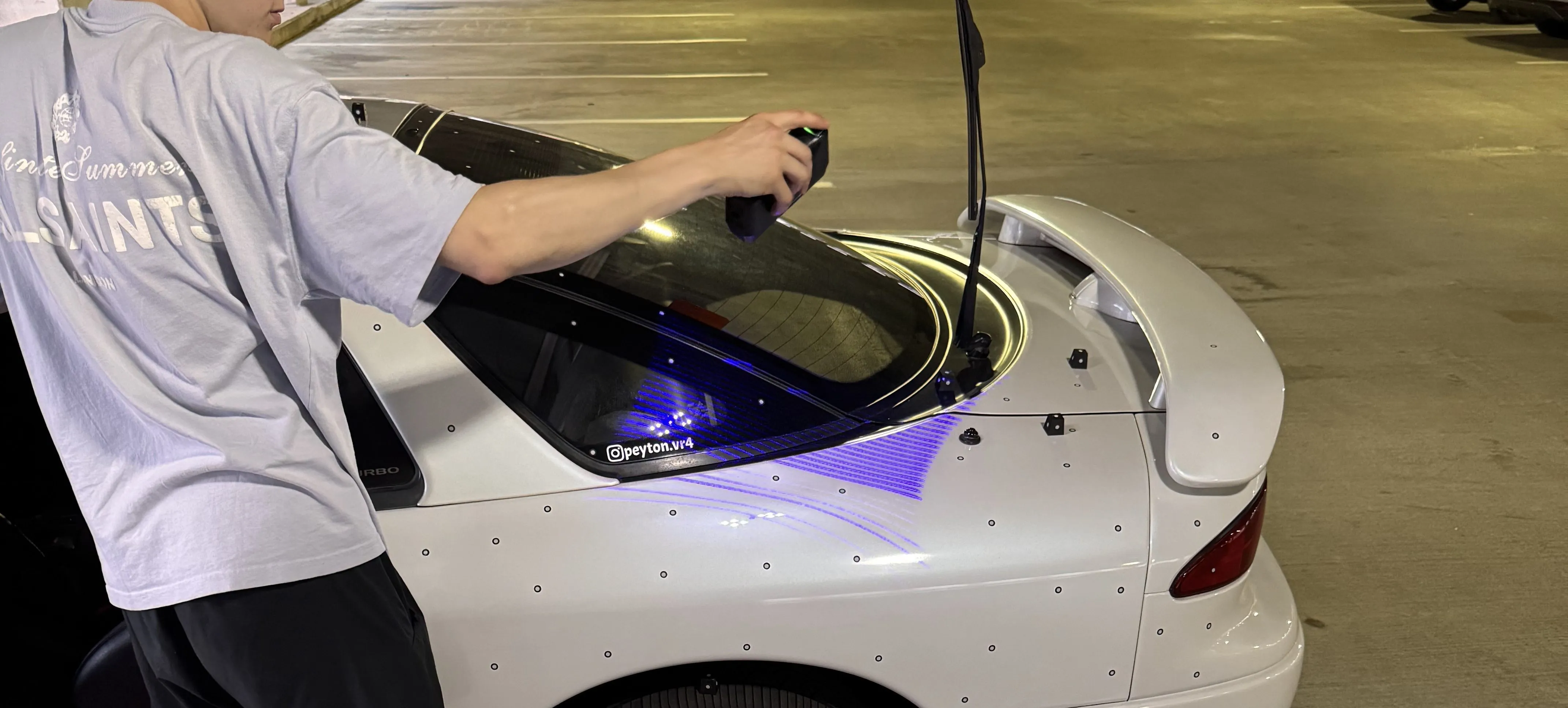
The part is 3D scanned, then cleaned up or rebuilt in CAD depending on the tier you picked.
04
Review and receive
You check the model against the part. Once you approve it, the files are yours.
Fits_003Typical jobs
Good fits.
Discontinued and broken parts
The original is cracked, worn, or no longer made, and nobody has the drawings.
Car interiors and trim
Pods, panels, sub boxes, and mounts that have to follow the exact shape of a car.
Parts that fit something else
Scan the mounting area, then design a new part that fits it the first time.
Files for your own vendor
You already have a printer, machinist, or molder. You just need a file they can use.
Blog/3 files · 2 scan-to-CAD
See the work.
Each project shows the original part, the scan, the finished model, and how long it took.
Open the blogShop/shop.baddesigns.net
Want it finished?
Speaker pods, adapters and trim pieces for cars, built from the same scans. Ready-made or fitted to yours.
Visit the shopFAQ_0046 questions
Before you ask.
Something else? Send a question with your quote request.
01What’s the difference between a mesh and a CAD model?
A mesh is the surface of the part made from millions of tiny triangles. It prints fine as it is, but it’s hard to resize or edit. A CAD model is rebuilt from real features (flat faces, holes, fillets), so it can be changed, dimensioned, and sent to a machine shop. If you aren’t sure which you need, say what you plan to do with the file and the quote will say which tier fits.
02Can’t you just scan it and print it?
Sometimes, for a quick visual copy. But a raw scan has gaps where the scanner couldn’t see, a slightly bumpy surface, and the wear of the original. Parts that have to fit, bolt on, or seal should be rebuilt in CAD first.
03How accurate is it?
Functional parts (must fit or work) are held to about 0.1–0.5 mm. Visual parts (just need to look right) are around 1 mm or better. The quote states which one your part needs.
04What file formats do I get?
Meshes come as STL or OBJ. CAD models come as STEP, which opens in almost every CAD program, plus an STL for printing.
05Can you print the part too?
Yes, as an add-on. Ask for it in your quote request. The file is still yours either way.
06How is it priced?
Each part gets a fixed price up front, based on its size, its shape, and the tier you need. Simple, boxy parts cost less than curved, organic ones.
Have a part with no drawings?
Send photos and a short description. You’ll get back a fixed quote and which tier fits.
Request a quote